~/projects/retro-pixel-launcher · published
 Retro Pixel Launcher
An Android home screen that looks and works like the desktops of the 90s, with every icon, widget and wallpaper redrawn as crisp pixel art.

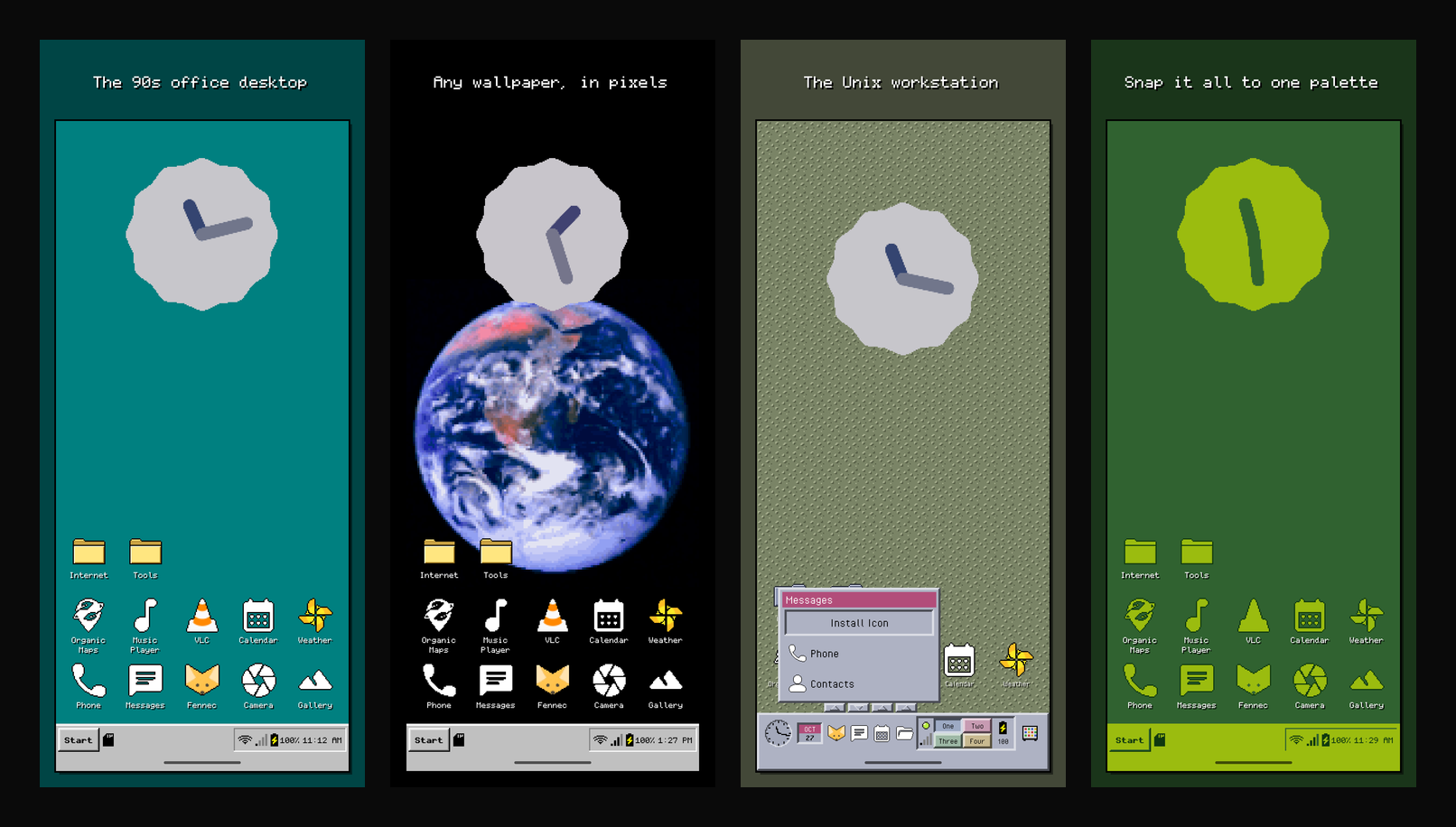
Retro Pixel Launcher turns an Android phone into a 90s desktop. Depending on the theme you get a taskbar and Start menu, a front panel, a menu bar or a Program Manager. Folders open as windows you can drag around. Every app icon, widget and even your wallpaper is redrawn as pixel art on a whole-pixel grid, so nothing is blurry.
It was built for a Pixel phone running GrapheneOS and works on any phone with Android 12 or newer.
Nine looks, mix and match
Built-in themes are inspired by Windows 95, 98 and 3.1, CDE, Mac OS 9, Amiga Workbench, KDE 1, GNOME 1 with Enlightenment, and twm / fvwm. Pick one, then change any part of it on its own: the window look, the layout, the font, the colours and the backdrop. Save your own mix as a theme and share it as a file.
Each layout works the way the original did:
- Windows 95: a taskbar with a Start menu.
- CDE: a front panel with launchers and a workspace switcher.
- Mac OS 9: a menu bar with the Control Strip.
- Amiga Workbench: a screen title bar and drawer windows.
- KDE and GNOME: panels with pagers.
- twm / fvwm: fvwm's button bar and twm's root menu.
- Windows 3.1: Program Manager.
In every layout, notifications, quick settings, search and Back keep working.
Everything in pixels
- Icons are redrawn at runtime: shrunk to a small grid (32 × 32 by default), cut down to a few colours, with a hard outline and optional dithering.
- Palettes: each theme's own system colours, greyscale, CGA, EGA, C64, Game Boy and PICO-8. Import your own
.gpland.hexpalettes, or snap every icon to one palette. - Wallpaper: yours, pixelated and colour-reduced to match, on the home screen and optionally the lock screen. Each look also has its own tiled backdrops.
- Widgets from other apps live on the desktop, drawn through a pixel filter (Android 13+).
- Seven pixel fonts, all open-licensed, some extended with Lithuanian letters and pixel bolds.
A desktop that behaves like one
- A home grid of 4 or 5 columns that scrolls freely and grows as you place things lower. Sideways workspaces appear while they hold something.
- Drag to place things; pushing an icon aside makes room.
- Folders open as floating, draggable windows, several at once.
- Notifications show on the bar, one icon per app, with badges on app icons.
- Search ignores accents, so "zalgiris" finds "Žalgiris".
- Your whole desktop and settings can be backed up to a file.
Install
Download the APK above or from the releases page, then press Home and choose Retro Pixel Launcher as your home app. F-Droid is planned.
The APK is signed with this certificate (SHA-256):
11dc1aee18192df9c33b14860bb699d738d7fb9428d295be09ed010ec938e9cf
Check it on the phone with AppVerifier, or on a computer with the Android SDK:
apksigner verify --print-certs retro-pixel-launcher-1.0.0.apk
On Android 13 and newer, apps installed from a file can't turn on accessibility or notification access until you allow it: open App info, tap ⋮, then "Allow restricted settings". The launcher's setup cards walk you through it.
Privacy
The launcher has no internet permission. The accessibility service only opens the notification shade and can't read the screen, and notification access is used to show which apps have notifications, without keeping their contents. Both are optional.
How it's made
Kotlin, Jetpack Compose, Room, DataStore and Android's LauncherApps, with no runtime dependencies beyond AndroidX and Kotlin's coroutines. Development is test-driven: every feature starts as a failing test.
It's free software under the GPL v3 or later. All icons, glyphs and backdrops are original drawings.
Retro Pixel Launcher is an independent project, not affiliated with or endorsed by Microsoft, Apple, Commodore/Amiga, The Open Group, KDE e.V., the GNOME Foundation or any other trademark owner. Product names only describe the look a theme is inspired by.
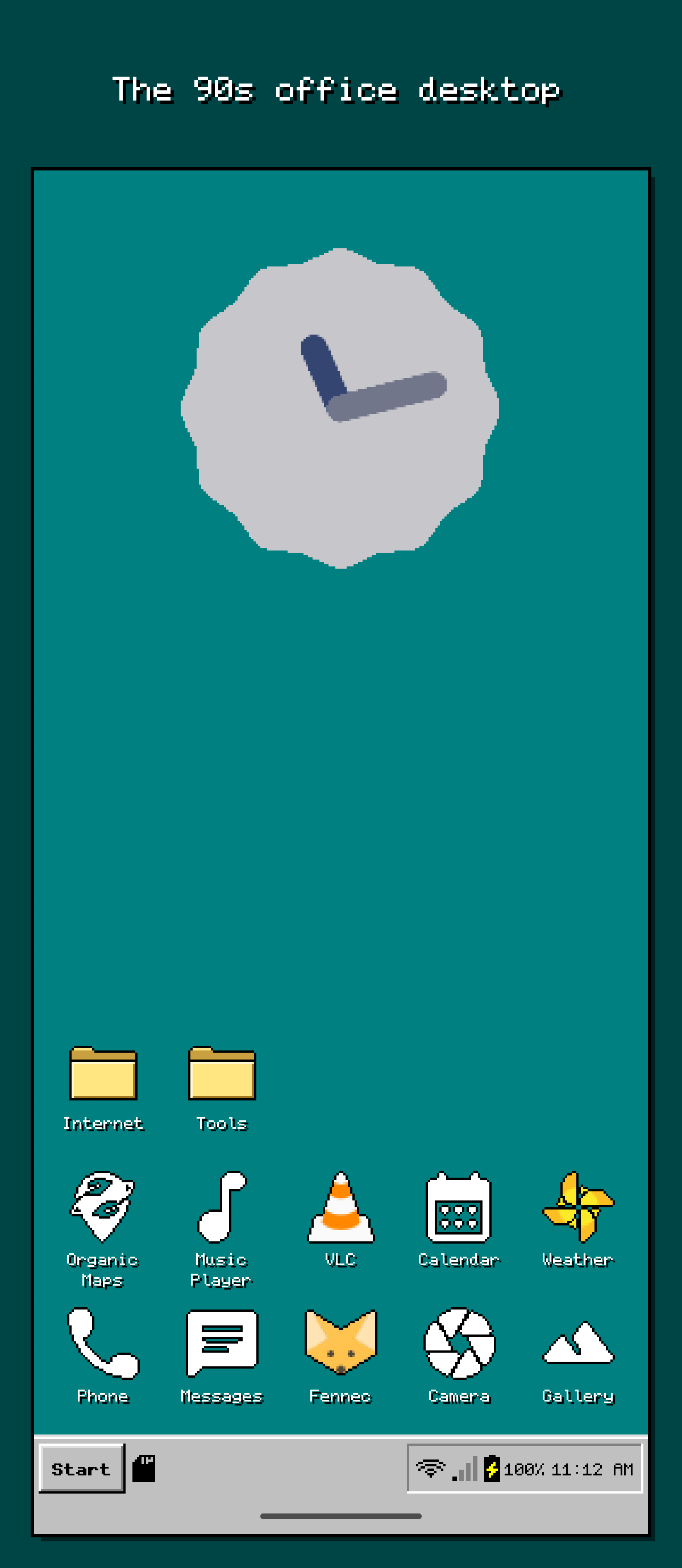
The 90s office desktop 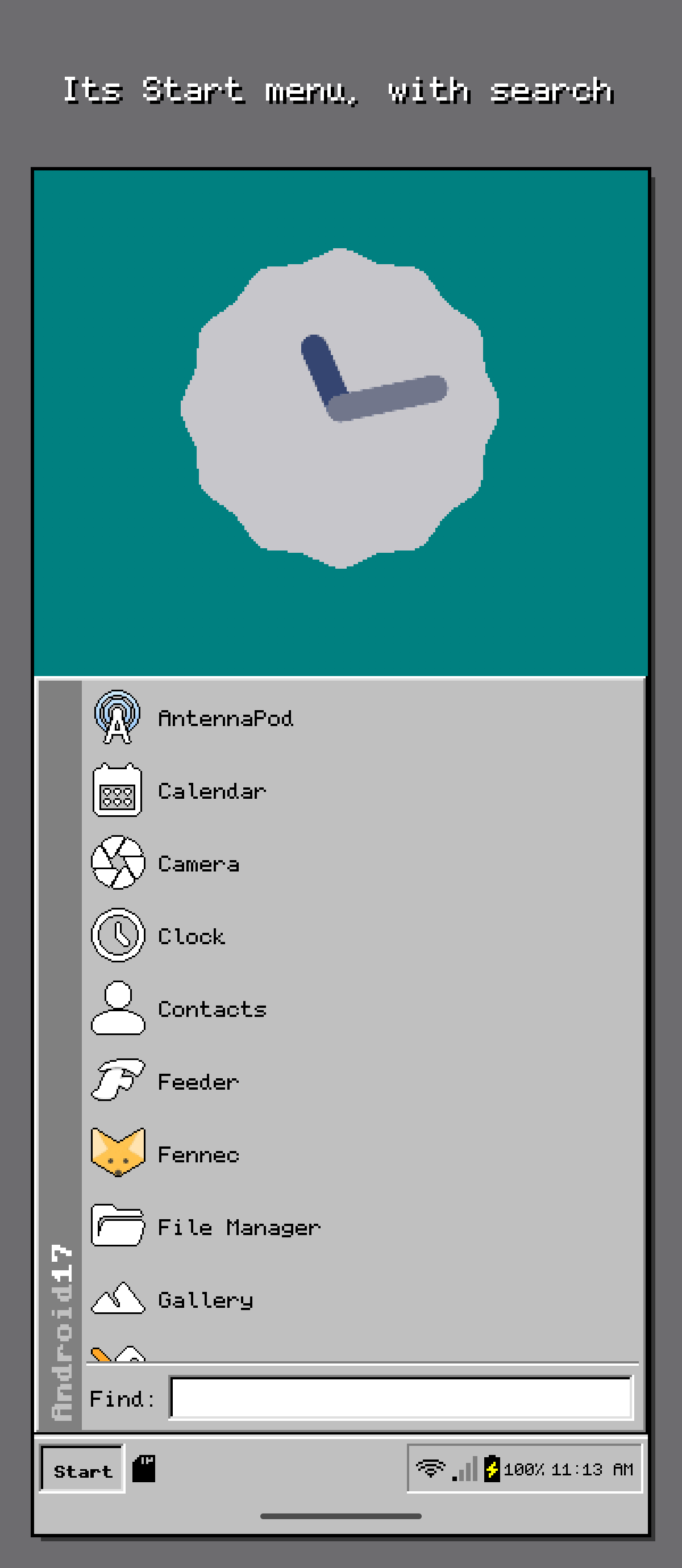
Its Start menu, with search 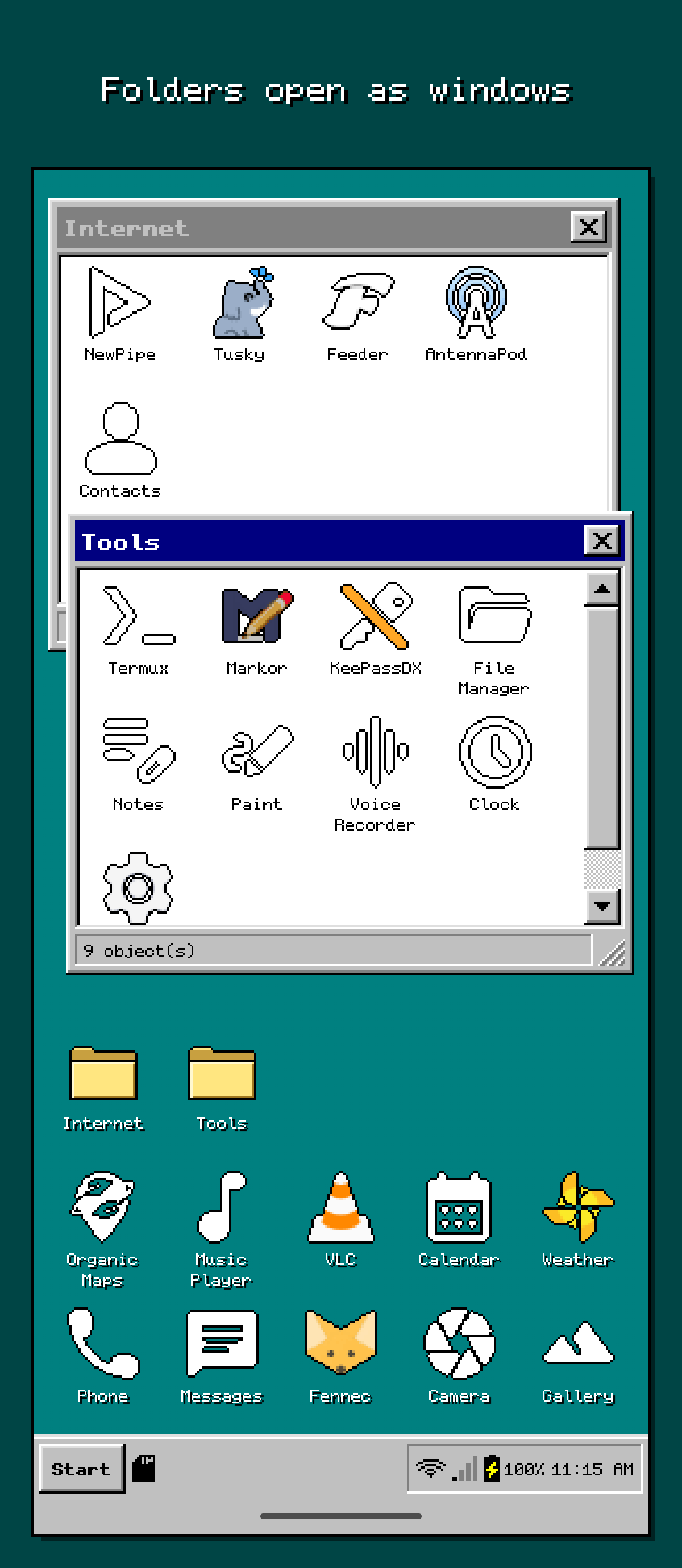
Folders open as windows 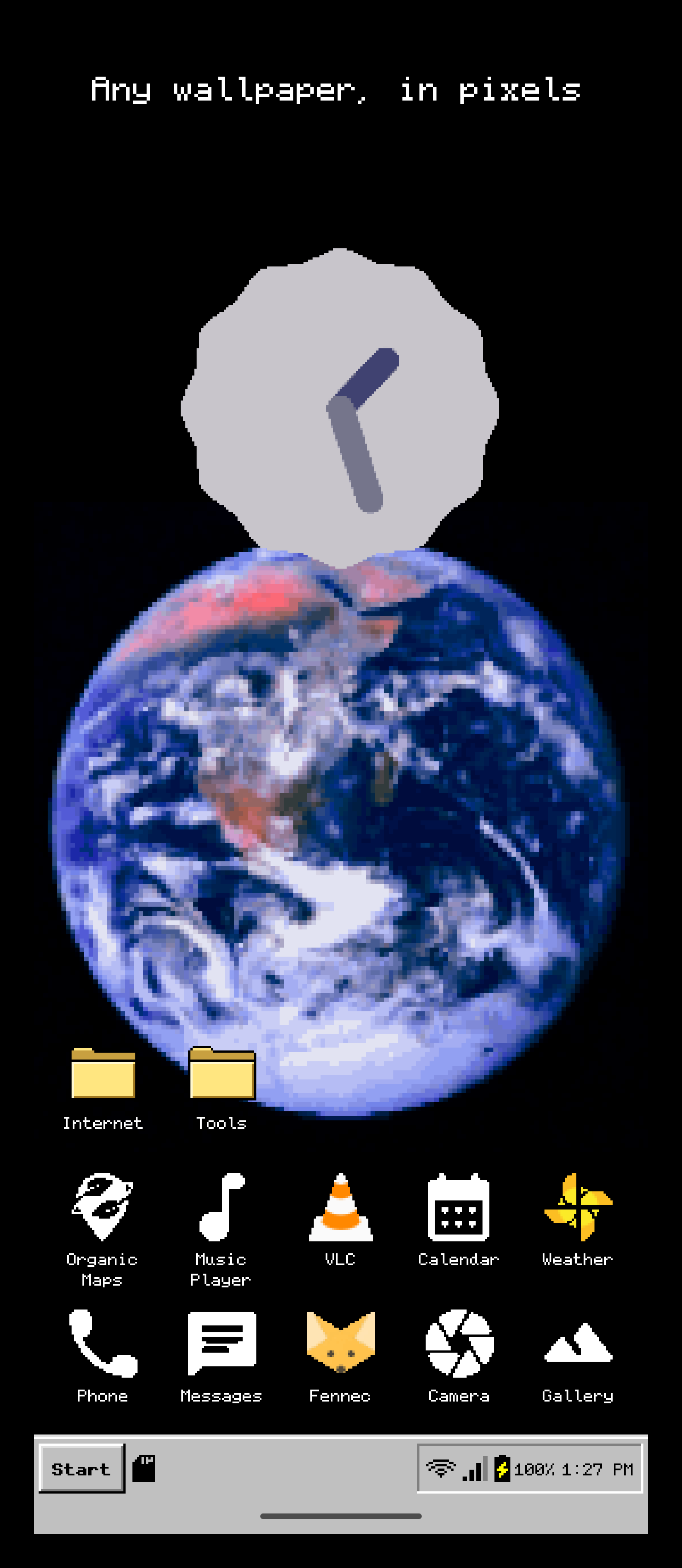
Any wallpaper, in pixels 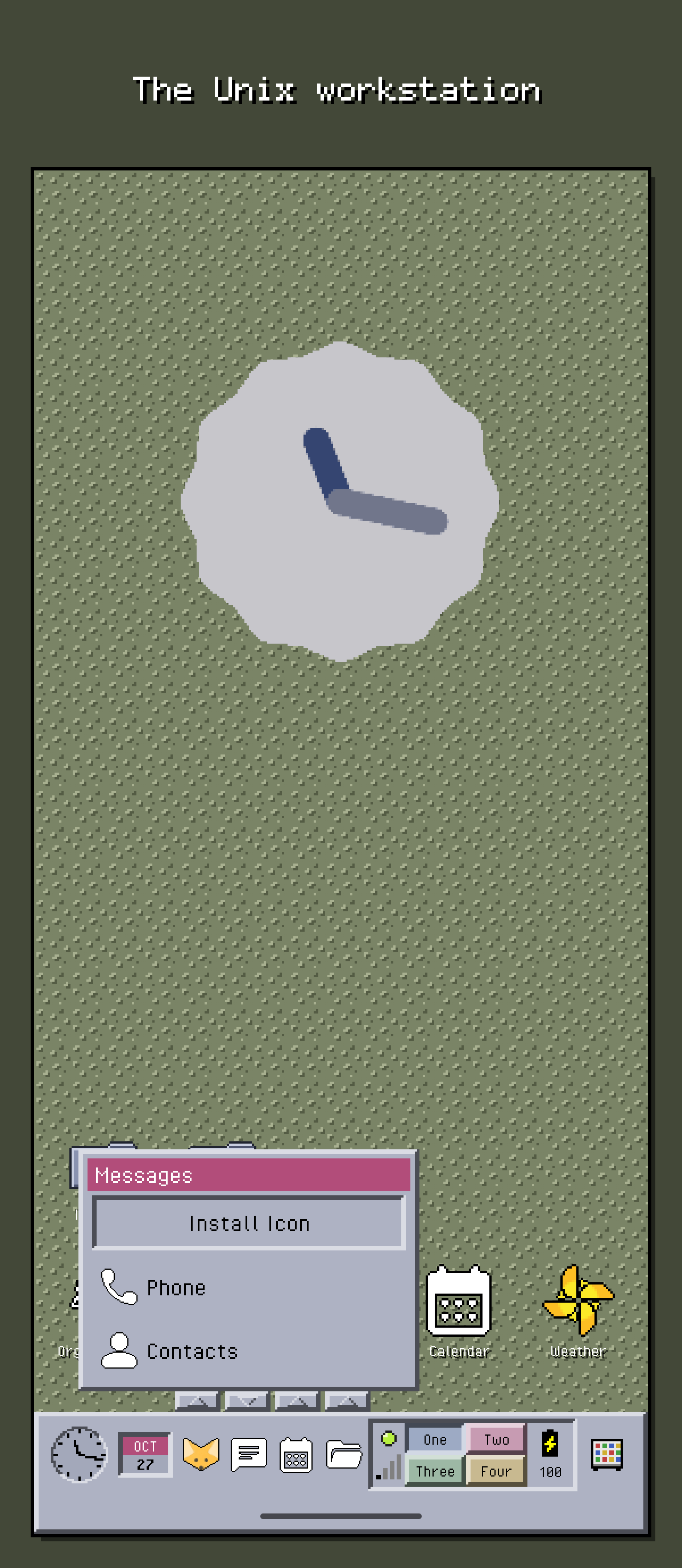
The Unix workstation 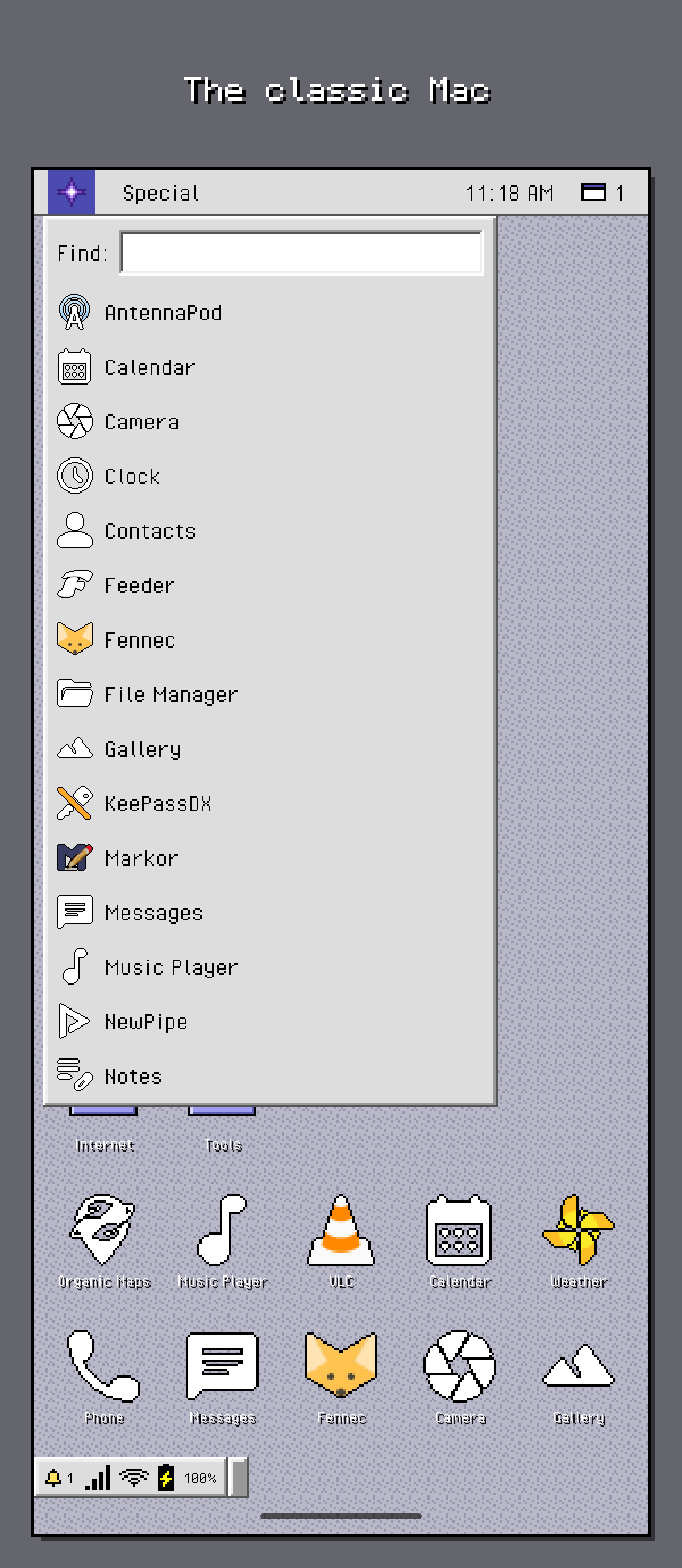
The classic Mac 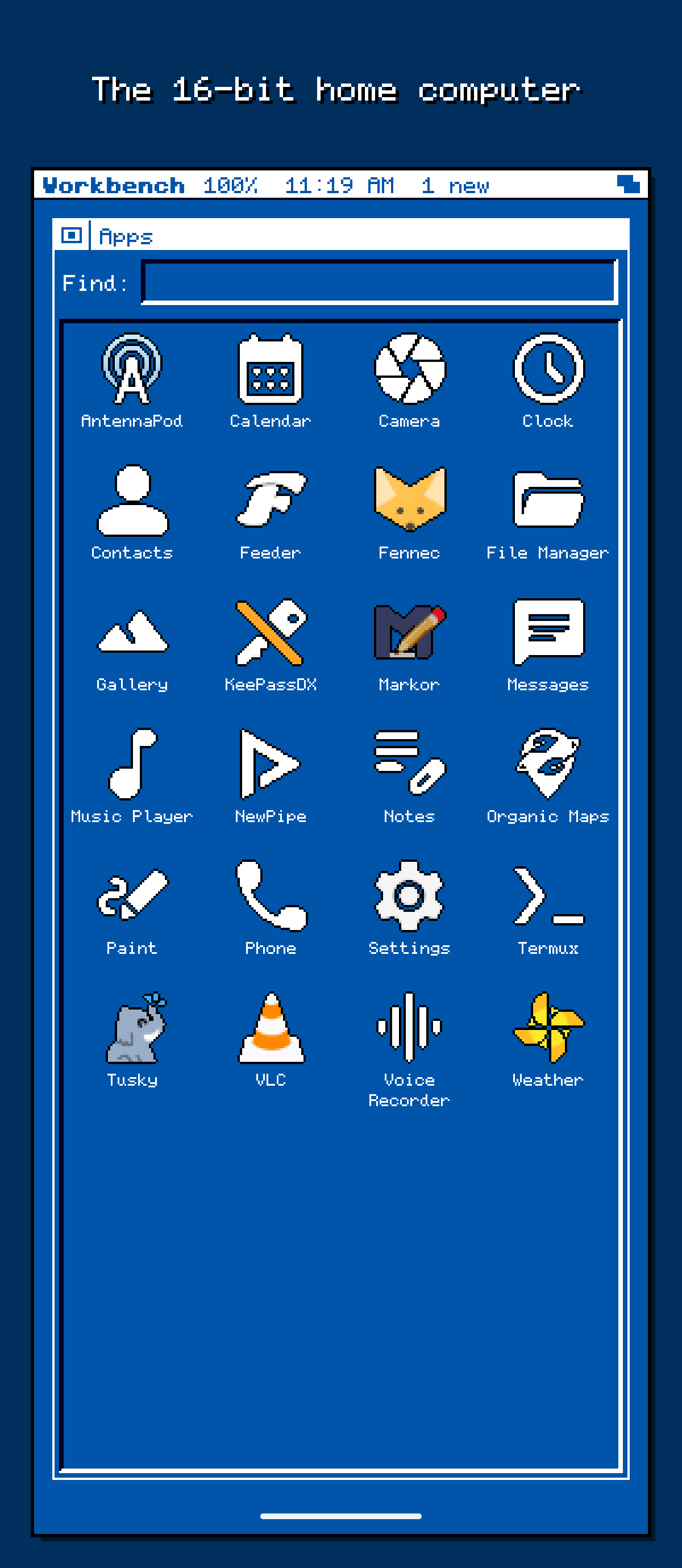
The 16-bit home computer 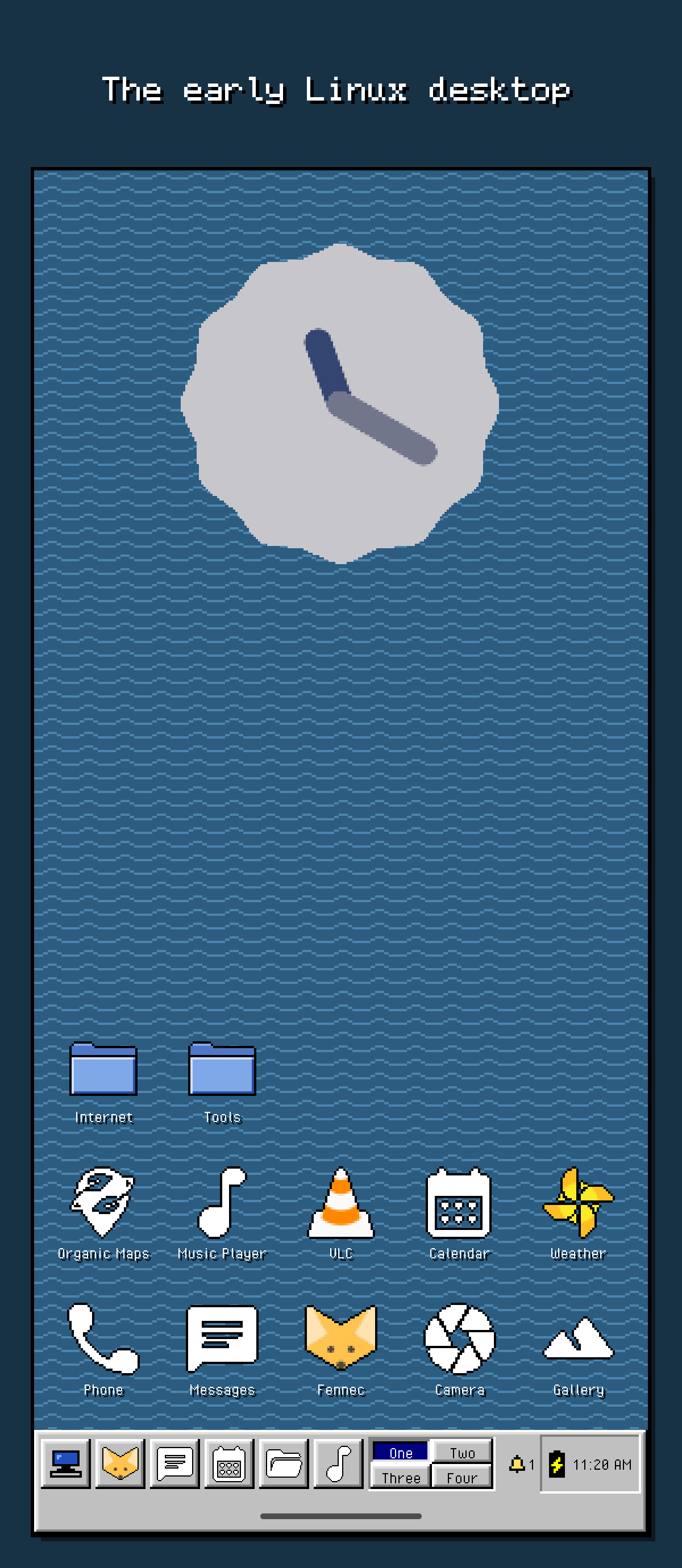
The early Linux desktop 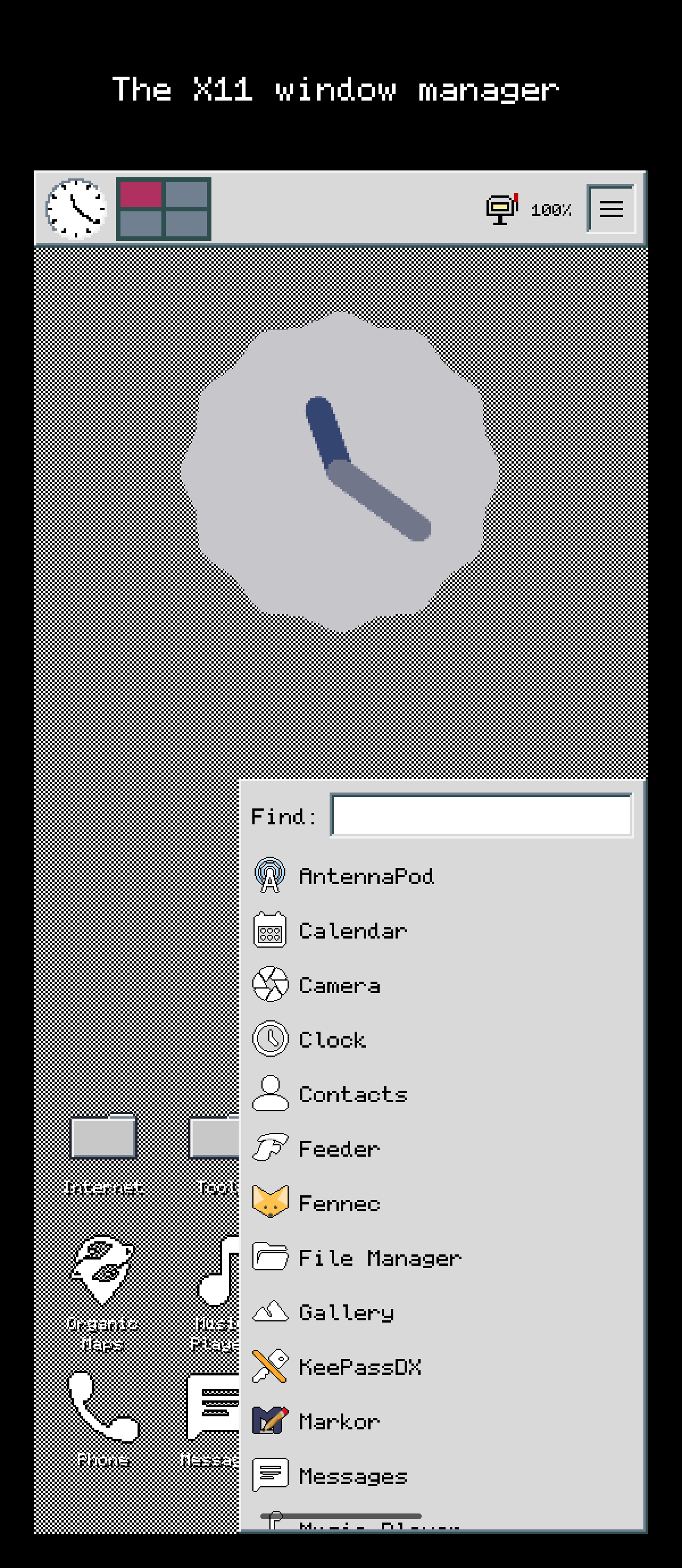
The X11 window manager 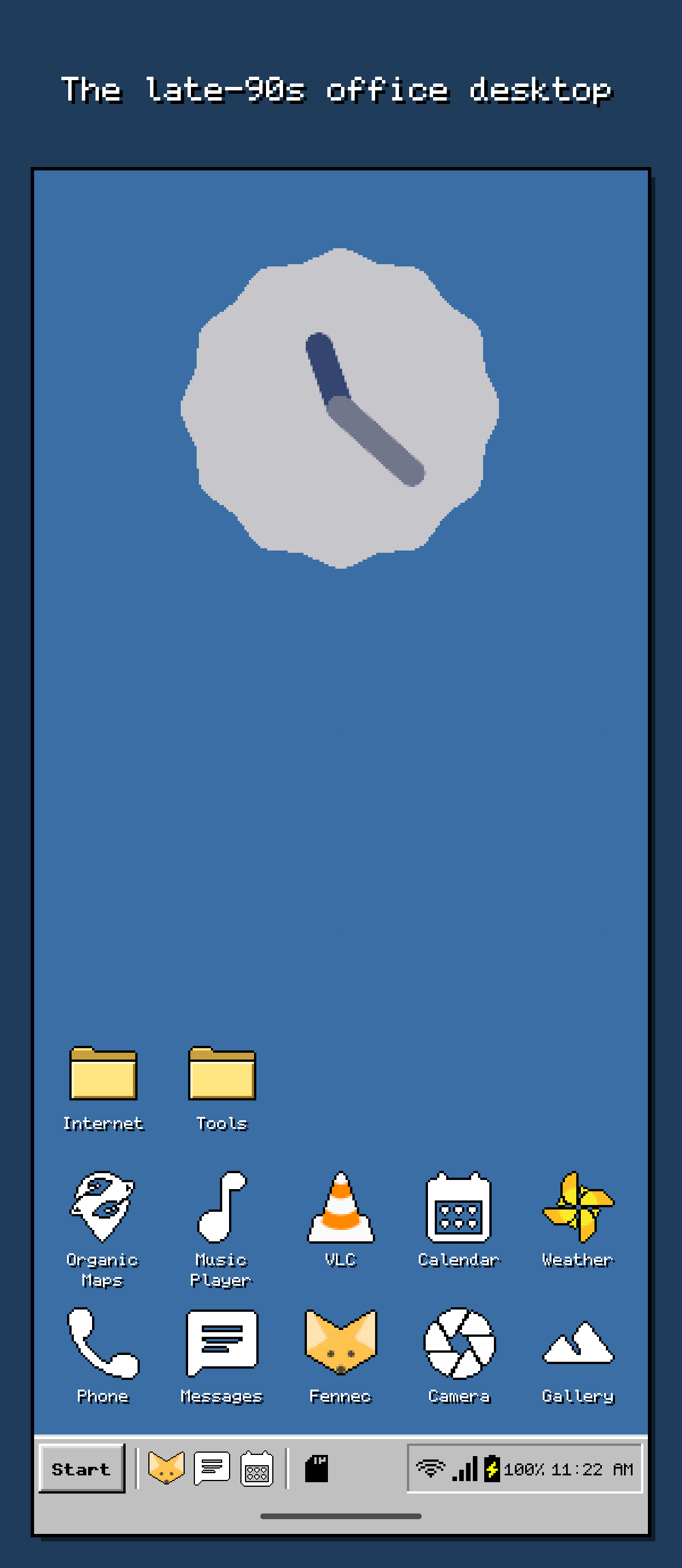
The late-90s office desktop 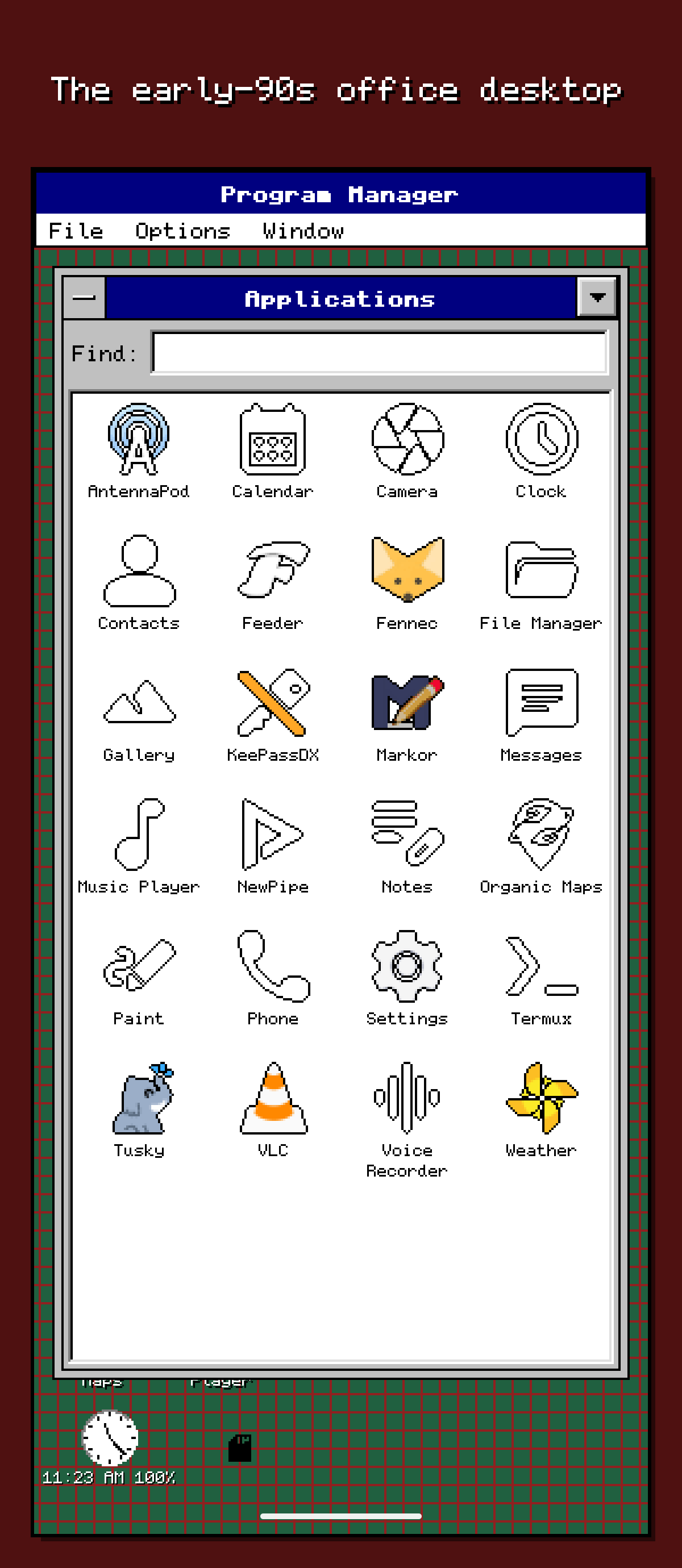
The early-90s office desktop 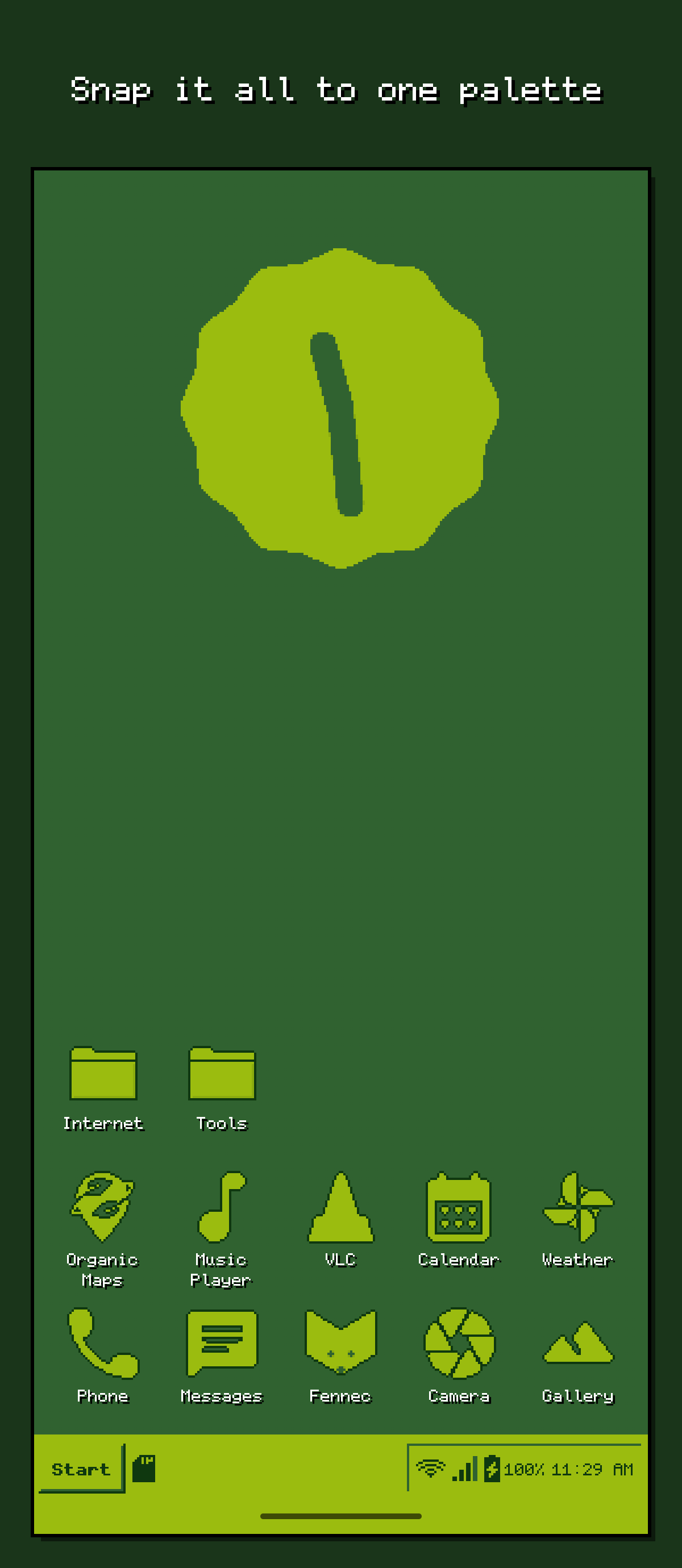
Snap it all to one palette 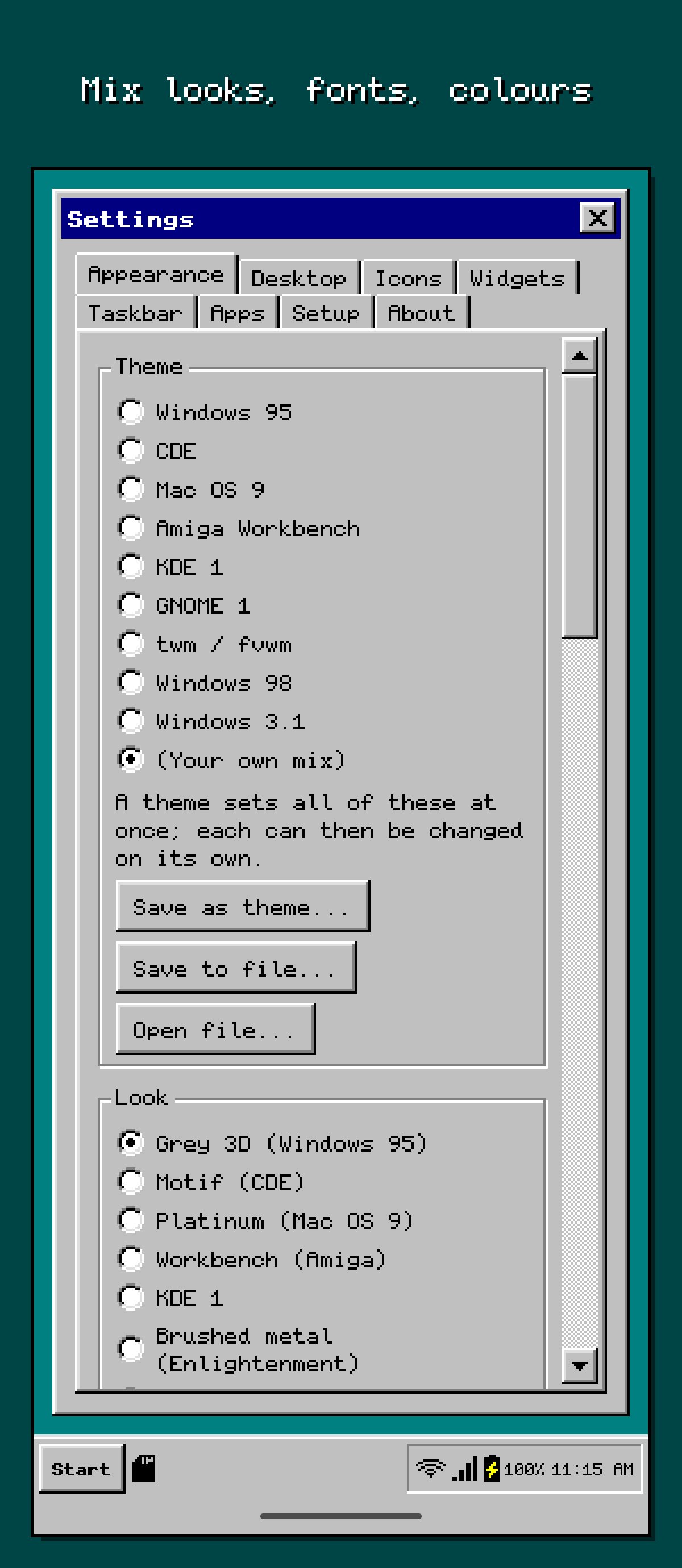
Mix looks, fonts, colours 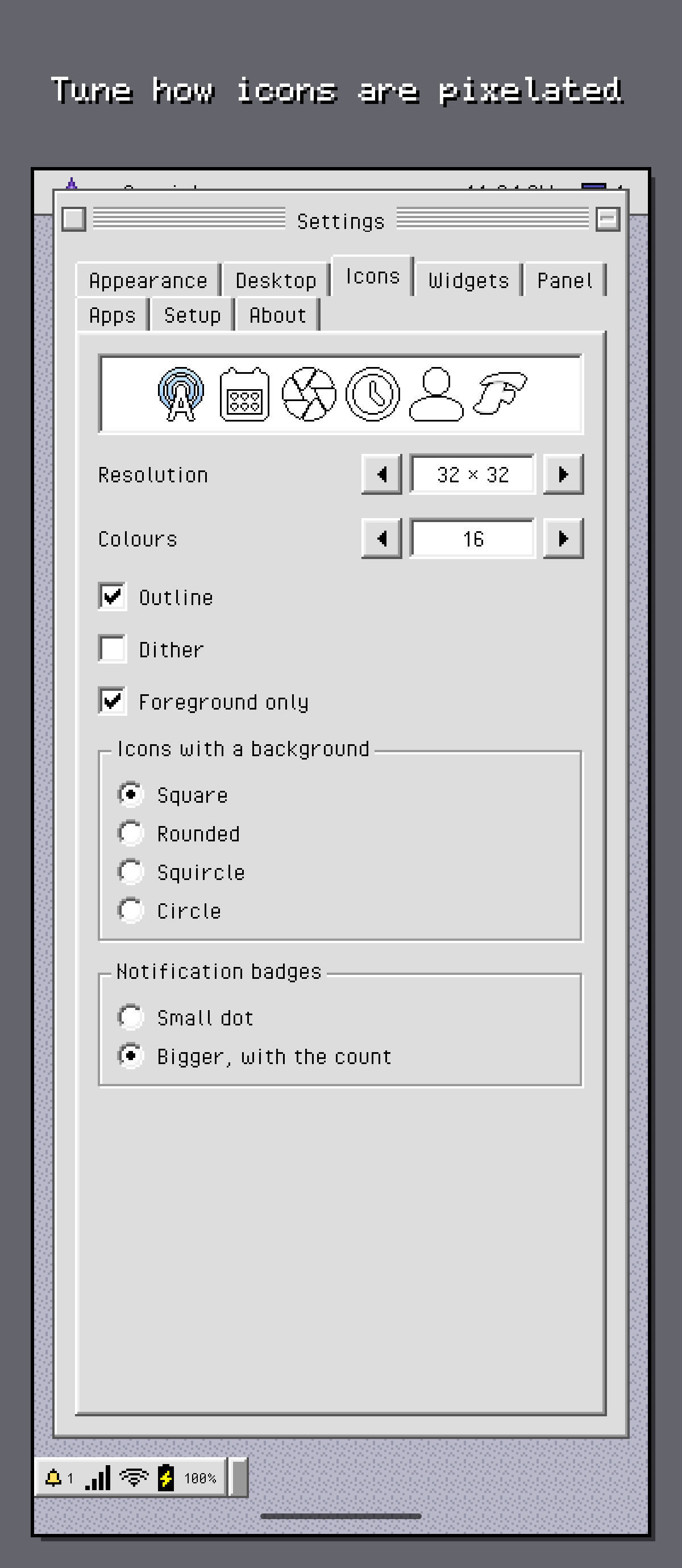
Tune how icons are pixelated 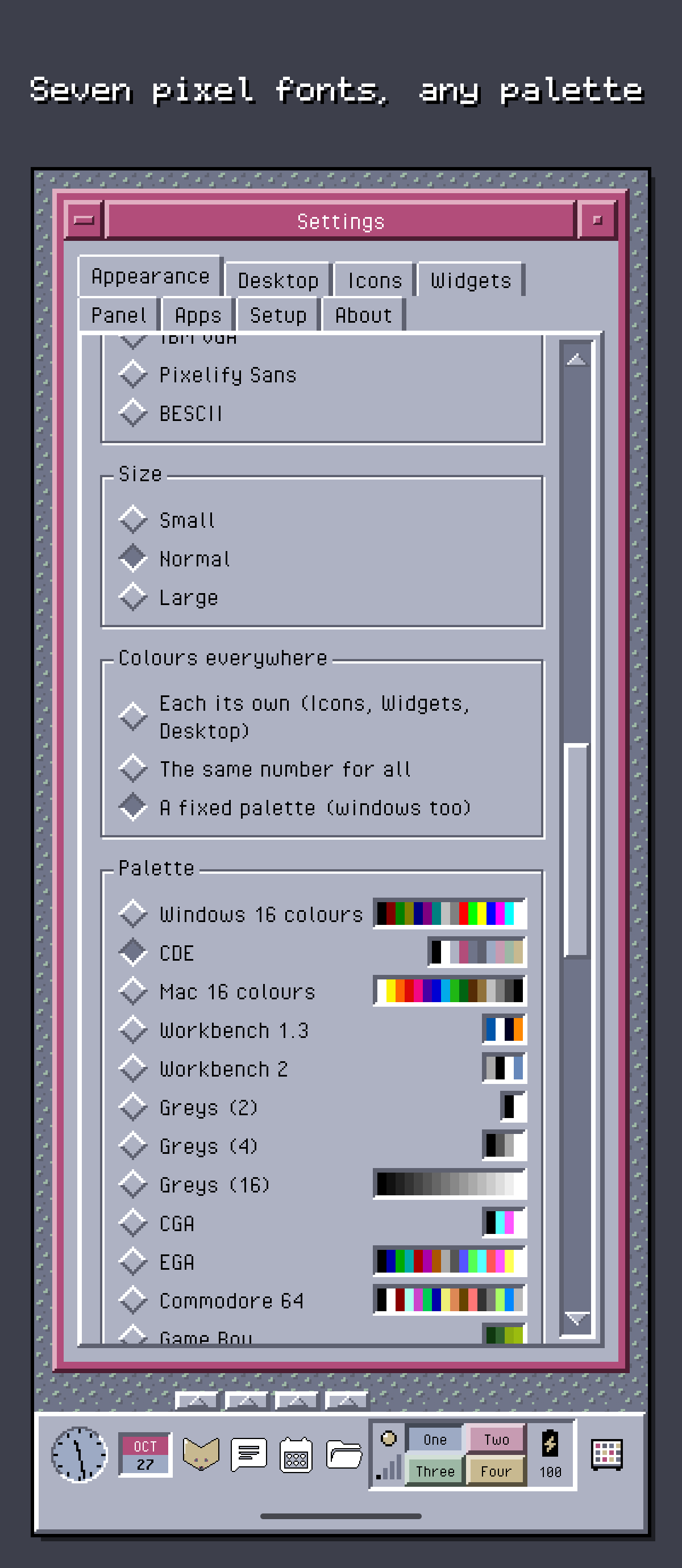
Seven pixel fonts, any palette